
How to Make an AI Rap Battle Video with Two Photos
Create a two-photo AI rap battle with clear A/B roles, four original example lines and a focused prompt. Learn what to check before generating and sharing.
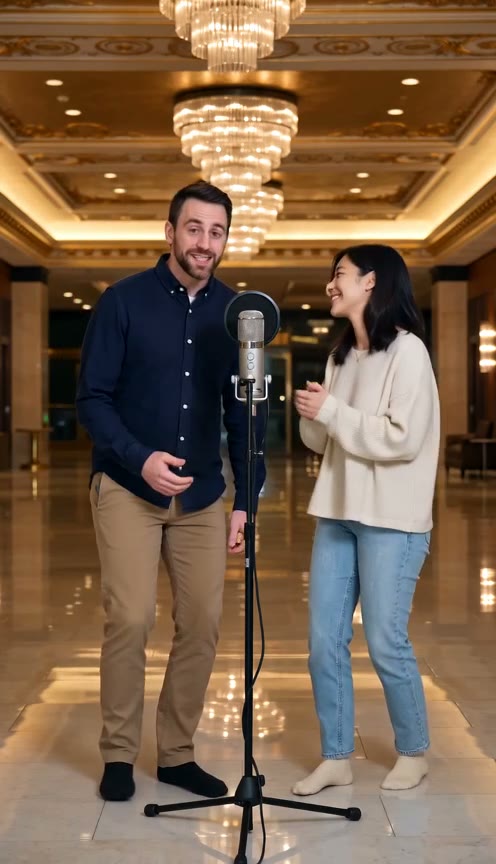
An AI rap battle works best when each performer answers the other. In RapVideoGo, you supply two photos and a prompt containing the exchange; the generator creates a short video with AI rap vocals and a beat. You do not need to upload a recording.
This guide uses a friendly disagreement about the last slice of pizza to show how to plan the cast, write replies and review the result.
1. Add one photo for each performer
Open the AI rap battle generator. Add a clear adult photo for Rapper A and another for Rapper B. Use photos of yourself or people who agreed to appear. The slots accept JPG, PNG and WebP up to 8 MB per photo.
Use a single identifiable face in each image. In the prompt, A is the person in @1 and B is the person in @2. Avoid describing a third rapper when the scene is meant to be a two-person exchange.
2. Choose a template or write your own setup
Roommate Battle, Gaming Rivals and Always Late load prepared scenes and lyrics. Choose the closest setup, then replace its details in the prompt. Selecting a template does not automatically write new lyrics from a topic.
For the pizza example, use a simple kitchen setting, one microphone and two friends who disagree about who earned the last slice. Keep that one disagreement throughout the exchange.
3. Write four lines that respond to each other
Build a claim, a reply, a challenge and a closing punchline:
A: You took the last slice and left me the tray.
B: I did the dishes; call it equal pay.
A: One clean plate doesn't settle the score.
B: Next pie is yours; now we're even once more.
The second line explains the first person's behavior; the fourth resolves the challenge. That connection makes the verse an exchange rather than two unrelated performances. Swap in your own household detail and read both parts aloud.
Four short lines can be a starting draft for a clip around 12 seconds. For shorter settings, cut words or use fewer turns. A full verse and chorus rarely fit a very short exchange clearly.
4. Make the turn order explicit in the prompt
Put the scene direction before your lyrics:
Exactly two adult performers in a bright kitchen. A is @1 on the left; B is @2 on the right. A opens, B replies, A challenges and B closes. Alternate A, B, A, B. Keep their identities distinct. A playful hip-hop beat, clear English vocals and a steady front-facing two-shot. The listening performer nods or smiles. End with a friendly laugh. Perform only the four supplied lines.
Keep actions small. A complicated movement on every line adds demands without improving the joke. Do not ask the model to sing role labels or timestamps. Use the photo and prompt guide if the cast needs clarification.
5. Confirm settings and generate
Choose the displayed duration, resolution and frame shape. Defaults can depend on account balance, and loading an example can change settings. A 12-second example is not a guarantee that your current selection is 12 seconds.
Check the credit estimate, sign in and click Generate Rap Battle. Find the result in Battle generation history when processing finishes. If you need more credits, review the available packs before submitting.
6. Review both the delivery and the cast
Listen for omitted words, swapped turns and a rushed final line. Watch whether each face stays recognizable. The prompt guides the model; exact speaker order, pronunciation and timing can still vary.
When a result is crowded, shorten the lyrics and simplify actions before another attempt. Save your text separately so you can compare revisions. Download a finished result from its history entry after reviewing it.
For more situations, browse rap video ideas. For a celebration where both people support the same message, try birthday duet lyrics instead of a rivalry.