
Free AI Rap Video Generators: Previews, Credits and Paid Plans
Compare what is free in RapVideoGo, AIRAP and AIRapGen, and how photo-based performance differs from audio-driven video. Check output, credits and plan limits.
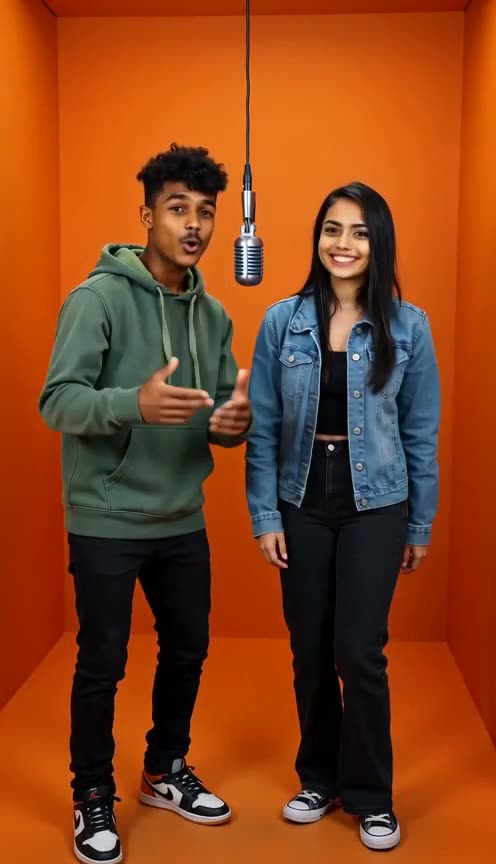
A free AI rap video generator may offer free lyrics, a still preview or a limited moving-video allowance. Those are different outputs. Before choosing a tool, check whether the free part includes a playable video and whether it follows your own recording or generates a new performance.
This comparison covers public workflows and plan descriptions checked on November 4, 2026. RapVideoGo is our product. We have not paid to generate matching clips across these services, so this is not a ranking of their video quality or speed. Recheck current allowances before purchasing.
Start with the input you already have
Ask one question first:
Do I have a photo and words, or a finished audio track that the picture must perform?
With photos and words, you need a tool that creates the voice and performance. With a finished recording, you need an audio-driven workflow that accepts your track. A lyric-video editor that places text over music is a third category; it does not necessarily animate a person in a photo.
RapVideoGo: photos and editable lyrics
You can view examples and edit lyrics without spending credits. Creating a moving video uses credits, with the quote shown before submission. Credit packs are one-time purchases. AI generates vocals and a beat from the photos and lyrics; the original studio does not accept uploaded audio.
Create Rap accepts one or two photos, Battle uses two and Birthday Rap allows one to three. Choose this workflow when a new short performance fits your idea. See the creation tutorial and current credit packs before generating.
AIRAP: a free still preview and paid moving video
AIRAP at airap.io describes one free still preview per day, rather than a free animated clip. Its moving rap videos require a subscription and credits. The workflow uses a song made there or an uploaded recording, with one or two photos and a selected 15- or 30-second audio segment.
That distinction matters if you want the picture to follow an existing song. Check the moving-video quote and plan requirement separately from the still preview.
AIRapGen: separate song and music-video allowances
AIRapGen's music-video tool asks for audio and one face photo. Its free plan lists song and lyric allowances, while subtitled music-video generation is excluded. The published video workflow supports clips up to 60 seconds and charges by saved audio length and resolution.
Do not read a free song allowance as an equal number of free videos. Confirm the video feature's plan eligibility and quote before committing to an audio-driven project.
Compare the complete output before paying
Use the same short idea when evaluating the services:
- Output: lyrics, audio, a still image or a moving video you can play and download?
- Input: your recording, or AI-generated vocals from words?
- Cast: one face, two performers or a supported group?
- Length: a short excerpt or the whole track you need?
- Delivery: the resolution, frame shape and captions you actually require?
- Payment: a one-time pack, recurring subscription or both?
If two tools use different credit systems, their credit counts are not directly comparable. Compare the total charge for the same usable duration and output, including any required plan. Leave room in your budget for a completed result you decide to revise.
Check what happens after a generation
Before starting, read how the service handles failed jobs, downloads and stored files. A technical failure and a completed result you dislike can have different rules. Do not assume that paying once includes unlimited retries or every export feature.
For a no-recording workflow, start with a template in Create Rap and personalize the words. For two performers trading lines, use Rap Battle. If an existing audio recording must remain unchanged, select a service with a verified audio-upload workflow instead.